
Download Gnumeric – spreadsheet, data analysis, open source, free, Excel alternative, Gnumeric
Overview
Gnumeric, originally developed for the GNOME desktop environment, has expanded its reach to Windows users seeking a robust and reliable spreadsheet solution. Designed with functionality and accessibility in mind, Gnumeric serves as a powerful alternative to commercial spreadsheet applications, particularly for individuals and organizations looking for a free, open-source tool. The app addresses common challenges associated with proprietary software, such as licensing costs, limited file format support, and restricted customization. Its primary purpose is to enable users to create, edit, and analyze data efficiently across various professional and personal use cases.
Target users include students, educators, small business owners, and data analysts who require a lightweight yet capable spreadsheet tool. While the developer did not provide additional background on the Gnumeric Project, the software's long-standing presence in the open-source community suggests a stable and community-driven development model. Real-world applications range from budgeting and inventory tracking to statistical modeling and academic research. In the broader app ecosystem, Gnumeric plays a key role in promoting software freedom and interoperability, especially for users who value transparency and long-term sustainability over proprietary lock-in.
Key Features & Functionality
- Multi-Format Compatibility: Gnumeric supports a wide range of spreadsheet formats, including native XML files and widely used formats like Excel (.xlsx, .xls). This allows users to seamlessly open, edit, and export documents without format conversion issues, enhancing workflow efficiency.
- Intuitive Interface: The layout mirrors familiar spreadsheet applications, offering a user-friendly experience that reduces the learning curve for those transitioning from Excel or other tools. Common functions are accessible through clearly labeled menus and toolbars.
- Advanced Calculation Tools: Gnumeric includes a comprehensive suite of mathematical, statistical, and financial functions. These tools support complex data analysis, enabling users to perform regression, forecasting, and other analytical tasks directly within the application.
- Open-Source and Free: As a fully open-source project, Gnumeric is available at no cost. The software benefits from continuous community contributions, ensuring regular updates and transparency in development.
- Seamless GNOME Integration (on Linux): While the app is now available on Windows, its integration with GNOME remains a key strength for Linux users, allowing smooth interaction with other desktop utilities and enhancing productivity.
For example, a small business owner can use Gnumeric to manage monthly expenses, apply financial formulas, and generate reports in Excel-compatible formats for sharing with partners. Similarly, a student can leverage its statistical tools for academic projects without needing expensive software.
Interface, UX & Performance
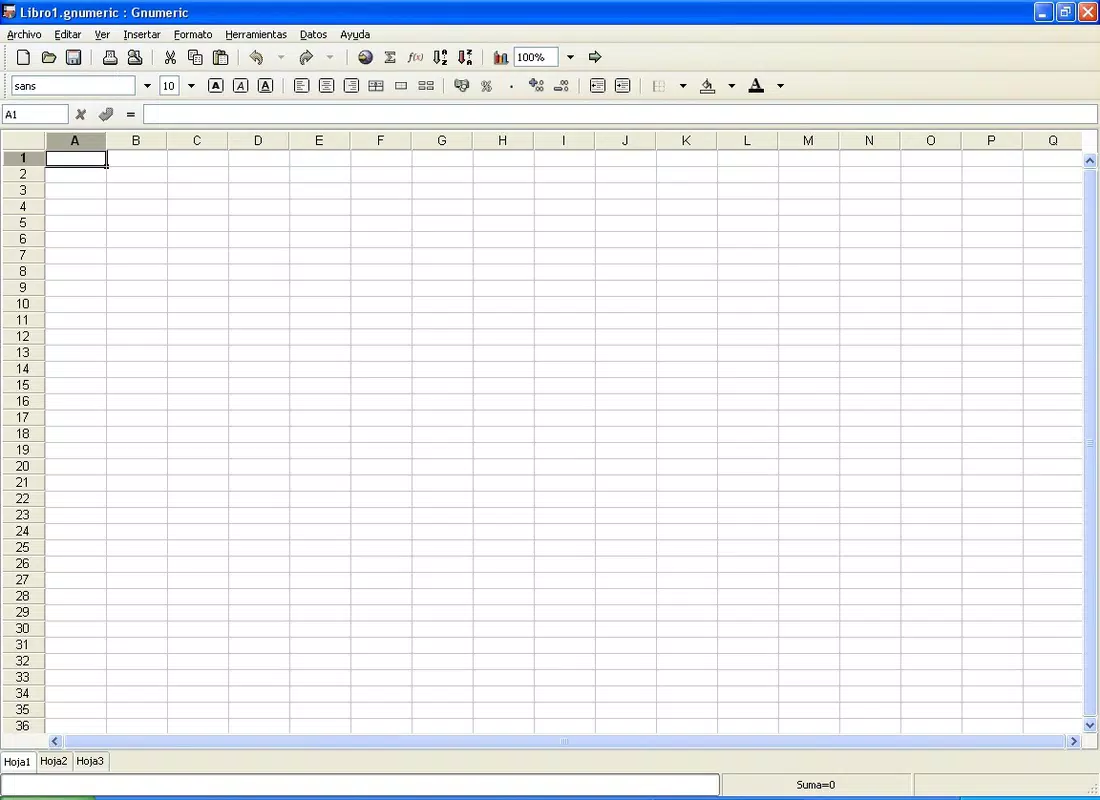
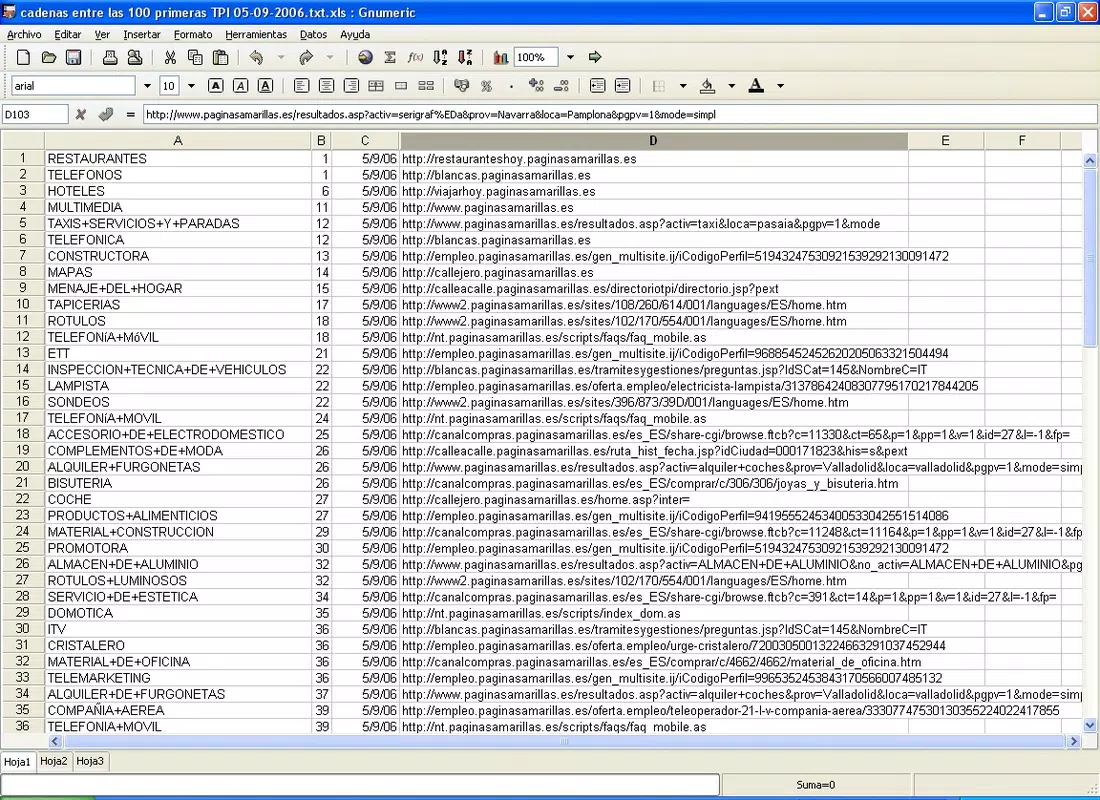
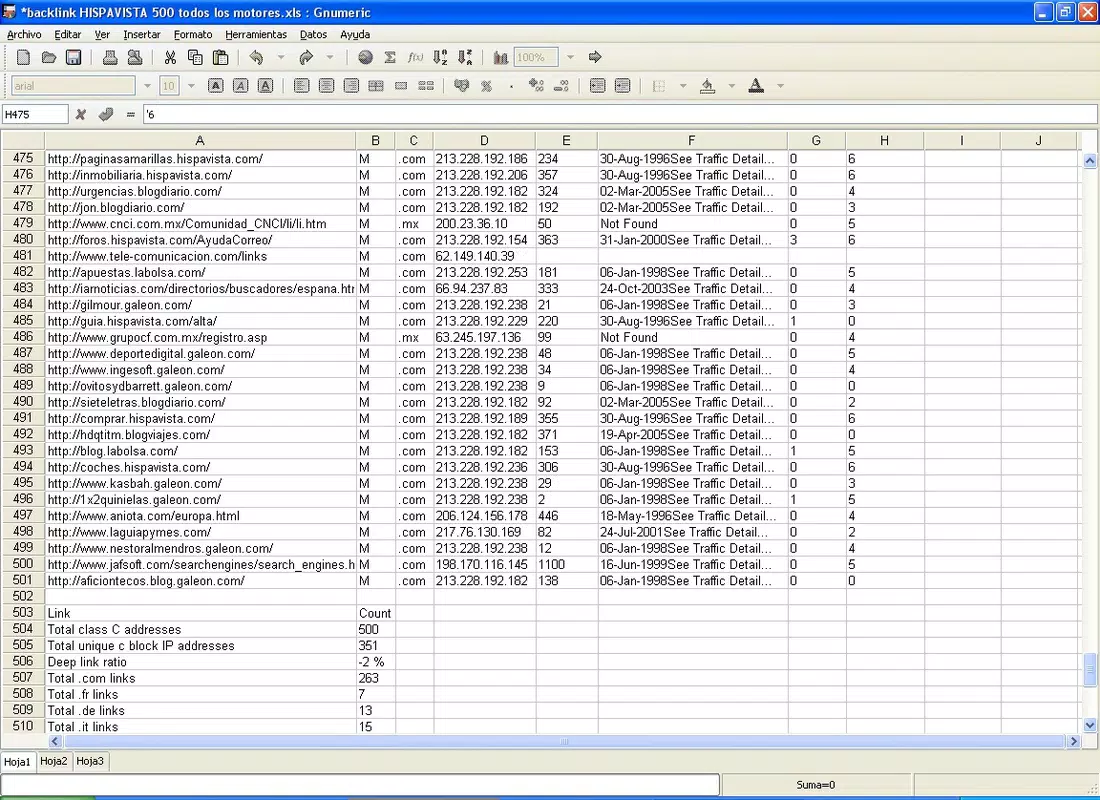
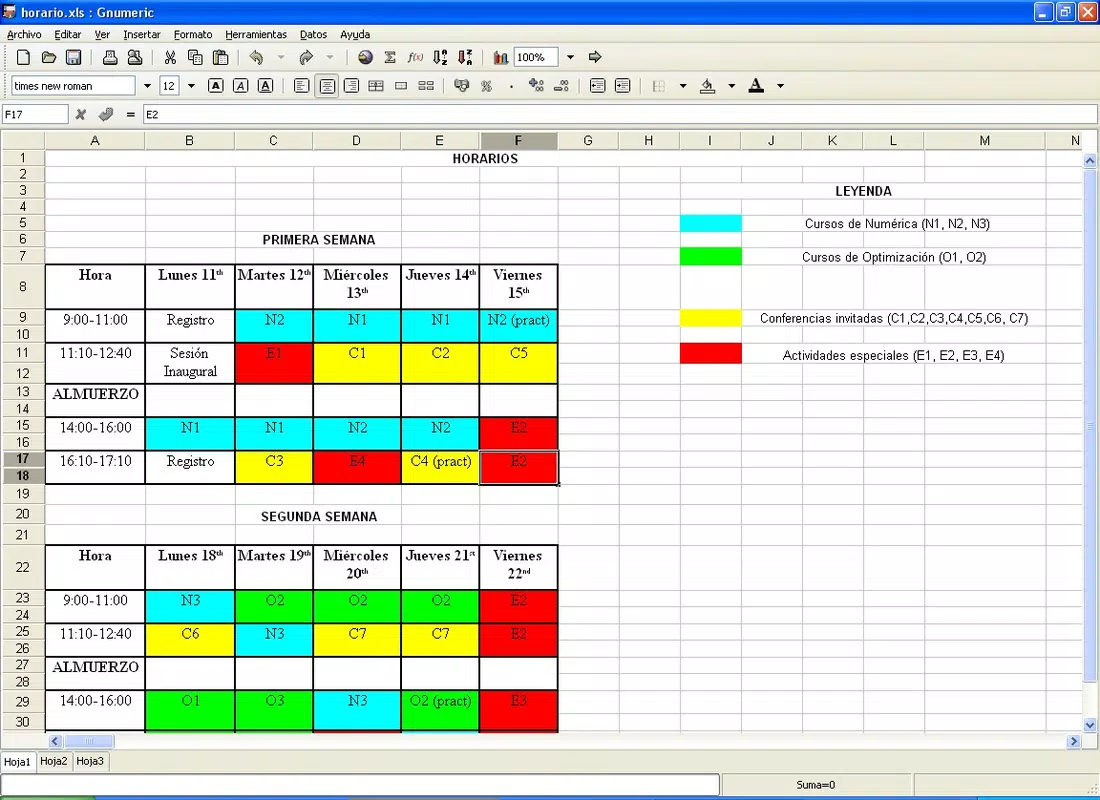
The user interface of Gnumeric is clean and functional, prioritizing usability over visual flair. It features a traditional spreadsheet layout with rows, columns, and a formula bar, ensuring immediate familiarity for users accustomed to mainstream spreadsheet tools. Navigation is straightforward, with consistent menu placement and logical grouping of functions. The application maintains a responsive design that adapts well to different screen sizes, though specific performance benchmarks were not disclosed.
Although the developer did not list formal performance metrics, the app’s lightweight footprint of 35.6 MB suggests efficient resource usage. It runs smoothly on standard Windows systems, minimizing lag during data entry and formula calculations. Stability appears to be a priority, given the app’s long development history and active community support. However, detailed information on compatibility with older Windows versions or specific hardware configurations was not provided.
Platform Compatibility & Technical Requirements
Gnumeric is available for Windows, making it accessible to users who prefer or require a non-Linux environment. The current version is 1.14.38, with a file size of 35.6 MB. While the app is free to download and use, the developer did not specify minimum OS requirements or hardware specifications. This lack of detailed information means users should exercise caution when installing on older systems or low-resource devices.
Compatibility with future Windows updates has not been confirmed. Users are advised to verify system requirements before installation. The absence of a mobile version or iOS availability was noted, limiting access to desktop environments only.
Pros and Cons
Pros
- Free and open-source, promoting accessibility and transparency
- Supports multiple file formats, including Excel, for seamless collaboration
- Intuitive interface reduces the learning curve for new users
- Lightweight size ensures efficient performance on standard systems
- Offers advanced calculation tools suitable for both casual and professional use
Cons
- Developer did not provide detailed system requirements or compatibility information
- Limited documentation and support resources compared to commercial tools
- No mobile or iOS version available at this time
- Interface may appear outdated compared to modern spreadsheet apps
- Community support may vary in response time and depth
FAQ
Is Gnumeric safe to download and use?
Yes, Gnumeric is a trusted open-source application developed by the Gnumeric Project. It is free from malware and widely used in academic and professional settings.
Can I use Gnumeric as a replacement for Microsoft Excel?
Yes, Gnumeric supports most common Excel file formats and offers comparable features for data entry, calculation, and analysis. It is suitable for many tasks typically handled in Excel.
Is Gnumeric available for mobile devices?
As of now, Gnumeric is only available for Windows desktop systems. There is no official mobile version for Android or iOS.
How often is Gnumeric updated?
The software receives regular updates from its community-driven development team, though specific release schedules were not disclosed by the developer.
Can I customize Gnumeric’s interface or add extensions?
As an open-source application, Gnumeric allows for customization and community-driven enhancements. However, specific tools or add-ons were not listed in the provided information.
Final Thoughts
Gnumeric stands out as a dependable, free alternative to commercial spreadsheet software, particularly for users who value open-source principles and cross-format compatibility. Its intuitive design, powerful calculation engine, and support for Excel files make it a practical choice for students, small businesses, and data analysts alike. While it lacks mobile support and detailed technical documentation, its lightweight nature and long-standing reliability offer strong value. For anyone seeking a secure, efficient, and cost-free spreadsheet tool, Gnumeric delivers on its promise.
Download Gnumeric now


